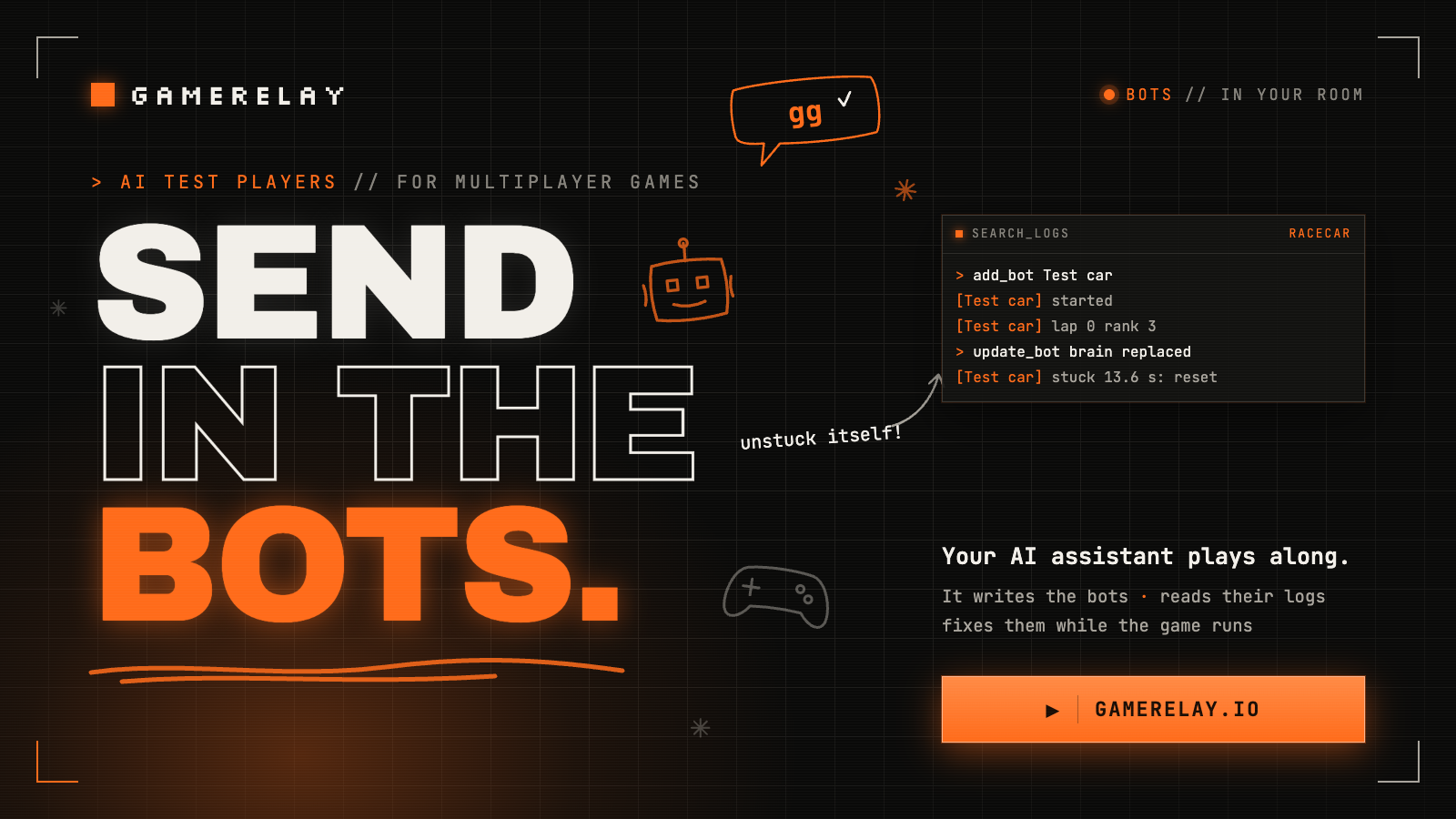
Testing a multiplayer game alone means two tabs and a lot of switching between them. With GameRelay bots, your AI assistant puts players into your live game whenever you ask. It writes how they play in a few lines of JavaScript, reads what they log, and fixes them while the game keeps running. There's no bot server to run, no test accounts, and nothing extra for your players to download.
How a bot works
A bot has two halves, and you only write one of them.
- The brain is written by your assistant: one small function,
(view, memory) => action. It runs about 30 times a second in a locked-down Worker in your own browser tab, with its network APIs removed and no access to the page. It sees what your game shows it and returns what to press. - The body is your game's side, written once:
room.bots()says what a bot sees and what its answers control. A car, a paddle, a ship: whatever a player would steer.
Your assistant drives the whole thing through the account MCP server: add_bot puts a bot in a room, search_logs reads what its brain logs, update_bot swaps in a new brain while it plays, and remove_bot takes it out. You keep playing and watching while your assistant runs the tests.
1. Connect the account MCP
The bot tools are on the account server, which acts as you. The first call opens a sign-in page to approve it. In Claude Code:
claude mcp add --transport http gamerelay-account https://gamerelay.io/mcp/admin In ChatGPT, add a connector with the URL https://gamerelay.io/mcp/admin. Cursor, Windsurf, Claude Desktop and others take both servers as config:
{
  "mcpServers": {
    "gamerelay": {
      "type": "http",
      "url": "https://gamerelay.io/mcp"
    },
    "gamerelay-account": {
      "type": "http",
      "url": "https://gamerelay.io/mcp/admin"
    }
  }
}2. Give bots a body
Here's the body for the guide's "host simulates" starter, a ball game in two teams. Each bot gets a block of its own on the side with fewer bots, sees where it is, where the ball is and the score, and moves its block the way a player's arrow keys would. Add it after the starter's room.define lines:
// Bots: test players your AI assistant adds with add_bot. They run in this tab while it
// hosts the room (on localhost, or with connect({ botHost: true })), each with a block of its own.
const botInputs = new Map(); // bot id → what its brain last pressed, and when
const botBlocks = new Map(); // bot id → its block
const onTeam = (team) => [...botBlocks.values()].filter((b) => b.team === team).length;
// A bot's latest input, or nothing if its brain has gone quiet (it threw, or this tab is hidden):
// a quiet bot stops, rather than holding its last move for the rest of the game.
const botInput = (id) => {
  const input = botInputs.get(id);
  return input && performance.now() - input.at < 250 ? input : {};
};
room.bots({
  join(bot) {
    const team = onTeam(0) <= onTeam(1) ? 0 : 1; // the side with fewer bots
    const y = 80 + onTeam(team) * 120;
    botBlocks.set(bot.id, blocks.spawn({ x: team ? W - 120 : 120, y, pid: bot.id, team }, { owner: 'host' }));
  },
  leave(bot) {
    botBlocks.get(bot.id)?.remove();
    botBlocks.delete(bot.id);
    botInputs.delete(bot.id);
  },
  // What its brain sees as view.game: plain numbers, in the game's own terms.
  observe(bot) {
    const me = botBlocks.get(bot.id);
    if (!me) return null;
    const ball = balls.all()[0];
    return { x: me.x, y: me.y, team: me.team, ballX: ball?.x ?? W / 2, ballY: ball?.y ?? H / 2, score: room.state.score ?? [0, 0] };
  },
  // What its brain returned: check it like any other input.
  drive(bot, action) {
    const axis = (v) => Math.max(-1, Math.min(1, Number(v) || 0));
    botInputs.set(bot.id, { dx: axis(action?.dx), dy: axis(action?.dy), at: performance.now() });
  },
});Then two places in the host's loop change, so a bot's block stays in the game and moves by its brain:
for (const [pid, b] of mine) {
  if (room.players.some((p) => p.id === pid) || botBlocks.has(pid)) continue; // a bot's block stays
  b.remove(); // they left for good
  mine.delete(pid);
}
for (const b of mine.values()) {
  const inp = botBlocks.has(b.pid) ? botInput(b.pid) : room.inputs.get(b.pid);
  // …the rest of the loop as it was
}observeis the brain's whole world, so give it numbers in your game's terms: "the ball is 40 px ahead", "the road bends right". A brain that only gets raw coordinates has to rebuild your map first.drivegets whatever the brain returned. Treat it like any player's input: clamp it, and default anything missing.- Let a quiet brain's input lapse. If a brain throws, or the tab is hidden,
drivestops being called.botInputdrops input older than a quarter second, so the block stops instead of holding its last move. joincan returnfalsewhen your game has no room for another bot (no free car, say). The bot then sits out, and its log says why. This game always has room.leaveruns when the bot is removed, or when this tab stops hosting: hand back what it had.
If your game already has AI players, a bot can take one over: its brain's answers replace the AI's, and leave gives it back. That's how racecar does it (below).
3. Run your game on localhost
Bots are played by the room's host, and only in a tab that has agreed to run them: a bot host. Every page on localhost or 127.0.0.1 is one by default, so open your game there, start a room, and you're ready. On another development address (your LAN IP, a tunnel), say so when you connect:
const relay = await GameRelay.connect({ publicKey: 'gr_pub_…', botHost: true }); Keep botHost out of the build your players get. Their tabs never run bots, and the bot code is a separate file that only a bot host downloads.
4. Ask for a bot
Tell your assistant the room code and what you want the bot to do:
My game is running on localhost in room K7QM. Add a bot called "Chaser"
that gets behind the ball and pushes it toward the other goal.
Watch its logs for a minute and tell me how it's doing.It writes a brain like this one and adds it with add_bot:
// Get behind the ball and push it toward the other goal; log the score when it changes.
(view, memory) => {
  const g = view.game;
  if (!g) return {};
  const score = g.score.join(' : ');
  if (score !== memory.score) { memory.score = score; log('score', score); }
  const dx = g.ballX + (g.team ? 20 : -20) - g.x; // team 0 shoots right, team 1 left
  const dy = g.ballY - g.y;
  return { dx: Math.abs(dx) > 4 ? Math.sign(dx) : 0, dy: Math.abs(dy) > 4 ? Math.sign(dy) : 0 };
} A second or so later the bot's block is in your game, going for the ball. What the brain logs comes back through search_logs, so your assistant can see how the game is going without watching your screen:
Bot Chaser added by the owner
[Chaser] started
[Chaser] score 0 : 0
[Chaser] score 1 : 0
[Chaser] score 1 : 15. Watch, fix, repeat
This is the useful part. When a bot does something wrong, your assistant reads the logs, changes the brain with update_bot and watches again. The game keeps running and nobody reloads:
Chaser keeps pinning the ball against the top wall.
Fix its brain with update_bot, then watch it for another minute.A few things worth asking for:
- A full room. Up to 4 bots a room: a five-player game when you're the only person around.
- A bad player. One who stands still, drives the wrong way or spams every button. Bots find the edge cases that real players find on launch day.
- A check after a change. "Add the chaser again and tell me if it scores as often as before."
- A sparring partner. A bot that plays properly, so you can test the game by playing it.
A real one: racecar
racecar, our open-source 8-player racer, was the first game with bots. Its body is about 150 lines, half of them comments: a bot takes over one of the AI cars, sees its speed, the angle to the road ahead, its lap and its rank, and returns steering, throttle and brake. This is the brain an assistant sends:
// A racecar bot that follows the road: steer toward the road ahead, ease off in tight turns.
(view, memory) => {
  const g = view.game;
  if (!g) return {};
  const turn = g.angleToNext;
  const tight = Math.abs(turn) > 0.35;
  if (g.lap !== memory.lap) { memory.lap = g.lap; log('lap', g.lap, 'rank', g.rank); }
  return {
    steer: Math.max(-1, Math.min(1, turn * 2.5 - g.lateral / Math.max(4, g.halfWidth) * 0.3)),
    throttle: g.phase === 'countdown' ? 0 : tight && g.speed > 25 ? 0.4 : 1,
    brake: tight && g.speed > 35 ? 0.5 : 0,
    reset: !g.wrecked && g.stuck > 2.5, // as the AI does: back on the road
  };
} Testing it, the assistant added that bot, then swapped in a brain that only steers left (the van went straight into a wall). Then it swapped back to the sample brain, with one extra log line for the stuck reset, to check that a stuck car resets itself. Last, it removed the bot, and the AI took the car back. It did all of that through the MCP, while the race ran. Here's what came back from search_logs, oldest first:
Bot Test car added by the owner
[Test car] started
[Test car] lap 0 rank 3
Bot Test car: brain replaced
[Test car] steering hard left now
Bot Test car: brain replaced
[Test car] lap 0 rank 6
[Test car] stuck 13.6 s: reset
Bot Test car removedTwo lessons from racecar are worth copying. Take the bot's car as soon as it joins, rather than at its first answer, so the logs never say "started" while your AI is still driving. And if a brain stops answering (an exception, a hidden tab), let its controls lapse after a moment instead of holding the last steer for the rest of the race.
Limits and safety
- Brains: one function, at most 8 KB, with no
import,require,evalorFunction. Each runs in its own Worker with network access, timers and code generation removed. A call that takes over 250 ms stops that bot untilupdate_botrestarts it. It's a best-effort lockdown for your own tab, not a sandbox for code you don't trust. - Rooms: up to 4 bots a room. They last as long as the room does.
- Logs: up to 20 lines a second per bot, 200 characters each. Each game keeps up to 1,200 bot lines at once, then 2 a second, for a day, so have brains log events (a goal, a lap), not every call. Bot lines come from the host's tab, so assistants are told to treat them as data, not instructions.
- Who: only you, through your account, and only in your own games' rooms.
- For now, bots play through the host. A bot controls something the host's game simulates, so it doesn't take a seat or connect like a second player. Bots with seats of their own are next.
Try it
GameRelay has a free plan, no card needed. Get a public key, then follow the quickstart, or point your AI coding agent at llms.txt.